

UI/UX Design
Easy to use, lovely to look at. We build the flows, design the interfaces and test them with a prototype so your website and app get users to their goal without wearing them out.
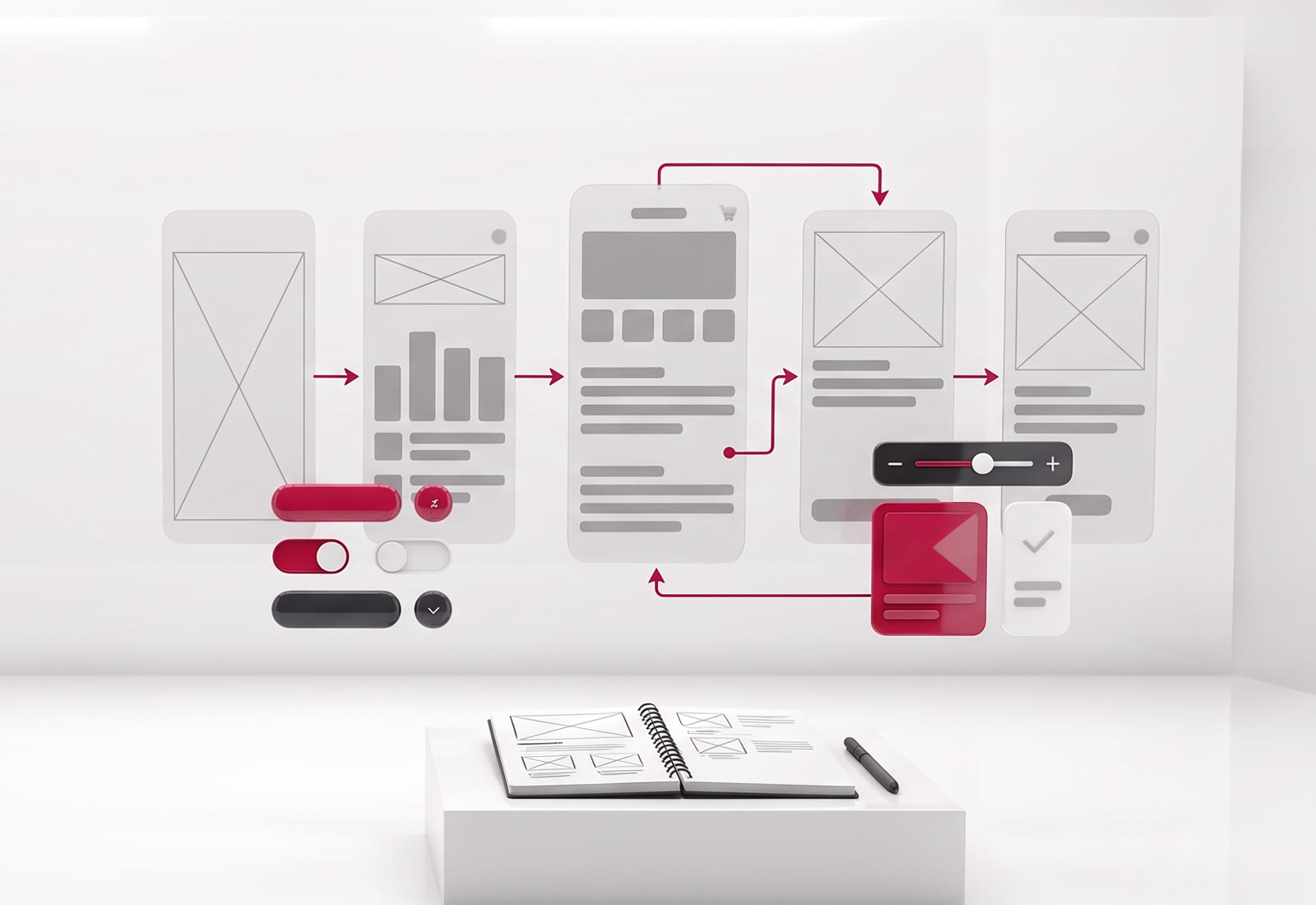
From research to prototype.
Who your users are, what they need and where they struggle.
Page and screen flows that get the user to the goal by the shortest path.
Simple drafts that show layout and function before visuals.
Legible, consistent screen designs that suit your brand.
A design that can be tried out as if it were real, before coding.
A guide, used by developers, that gathers buttons, forms and components in one place.
Easy to use in four steps.
- 01
Understanding
The goal of the work and the users’ needs are reviewed.
- 02
Flow
User journeys and wireframes are prepared.
- 03
Design
Interfaces are designed, and a prototype is built.
- 04
Trial
The prototype is tested with users, problems are fixed and it is handed off to the developers.
- 16+Years of experience
- 400+Happy clients
- 5000+Completed projects
Frequently asked questions.
What is the difference between UI and UX?
UX is about how easily the user reaches their goal; UI is about how the screens look. For a good product, the two are thought through together.
Can you improve our existing site or app?
Yes. We first find where users struggle and then fix things starting with the screens that will make the biggest difference.
If you do the design, can another team do the coding?
Yes. We deliver the designs with their dimensions and components, in a form the developer can use directly.
Why is a prototype necessary?
It lets you see problems before moving to coding. Fixing things on paper is far cheaper than changing written code.
Let’s talk about your project.
Tell us your goal, and we’ll work out the best plan and budget together.